


Our Family Math Night events are usually done in a large room such as a multi-purpose room. But they can be done anywhere there is enough space for 8 large tables that seat 15+ participants.
These photos are an example of one way to set up a multi-purpose room that serves 120 students plus their parents. Having plenty of room between the tables will allow for greater “flow” and ease of getting from one station to the next. Notice how the tables are covered with brightly colored plastic table coverings. This gives the room a festive feel as participants enter.
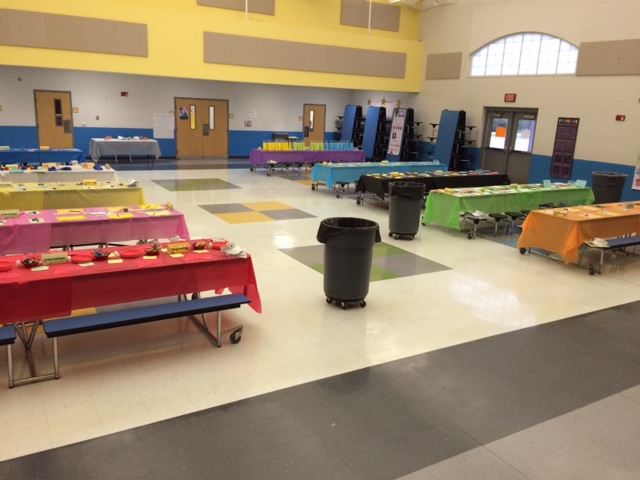
Typical room set-up with the estimation table at the back.
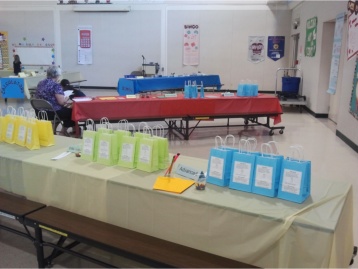
Create a different effect by angling the tables.
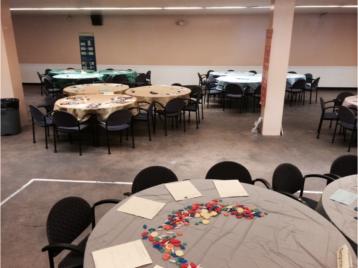
This room was set up using round tables. 9 "pods" were created each using 3 round tables (8 stations from the Nifty Numbers kit and one extra for the collaborative project).
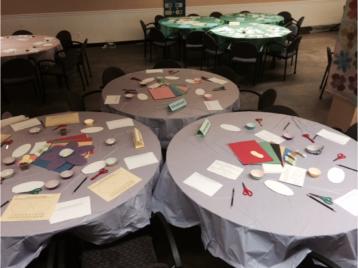
Each table of the pod became one of the station levels: beginning, intermediate, advanced.
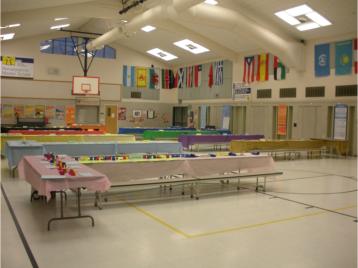
For events where there will be between 120-200 students, create L-shaped stations using an 8’ table at the end of the cafeteria tables. This additional table becomes the Advanced station. (Chairs for extra table are not shown.)
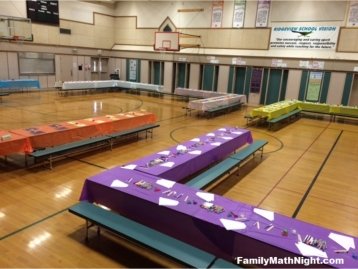
For events where around 240 students are expected, use an event kit plus a booster pack and create large ‘L’ shapes using two sets of cafeteria tables.
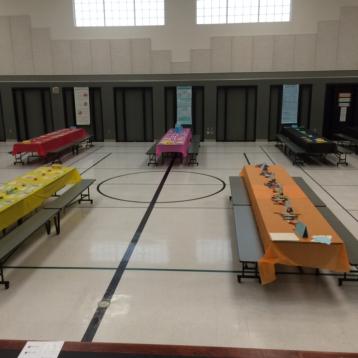
For this event the tables were alternated for additional space and greater flow.
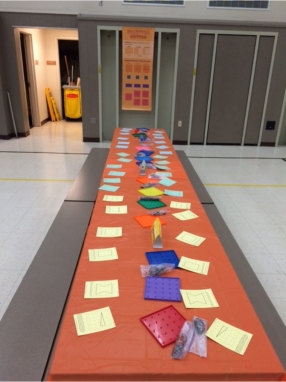
Here is what one station from our Nifty Numbers Kit looks like completely set up, including the banner.
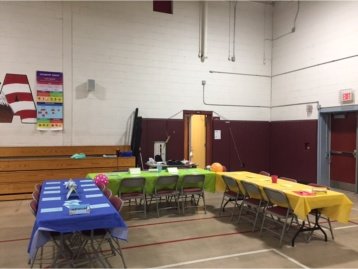
Another fun idea is to create U-shaped centers. For this event, the table covering was color-coordinated with the station levels: Beginning = yellow, Intermediate = green, Advanced = blue.
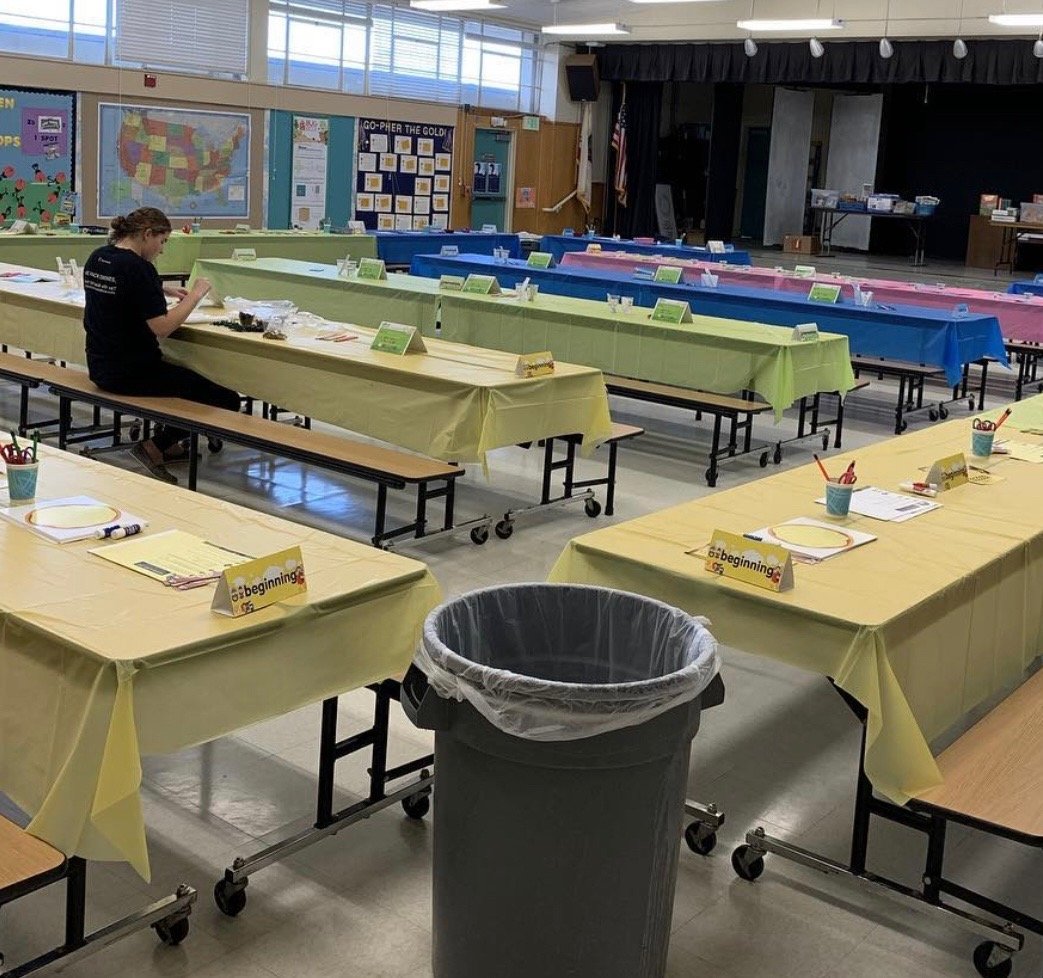
For this event, five stations were set up in the center of the room then two additional stations added lengthwise on both sides.
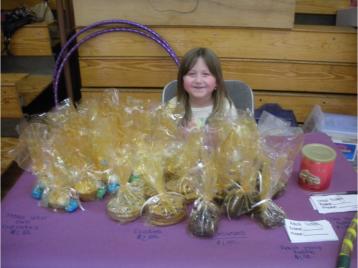
Help turn your event into a fundraiser by including a bake sale table.